




The humidity of a Goan night is heavy and confusing. For a foreign tourist stranded near Colva Beach at 10:00 PM, the tropical paradise had turned into a maze of shadows.
Her phone had signal, but Google Maps—the digital tool we all trust—had given up. The blue navigation line that was supposed to lead her to Hotel Coconut Grove had led her nowhere. She was alone, the roads were dark, and she was scared.
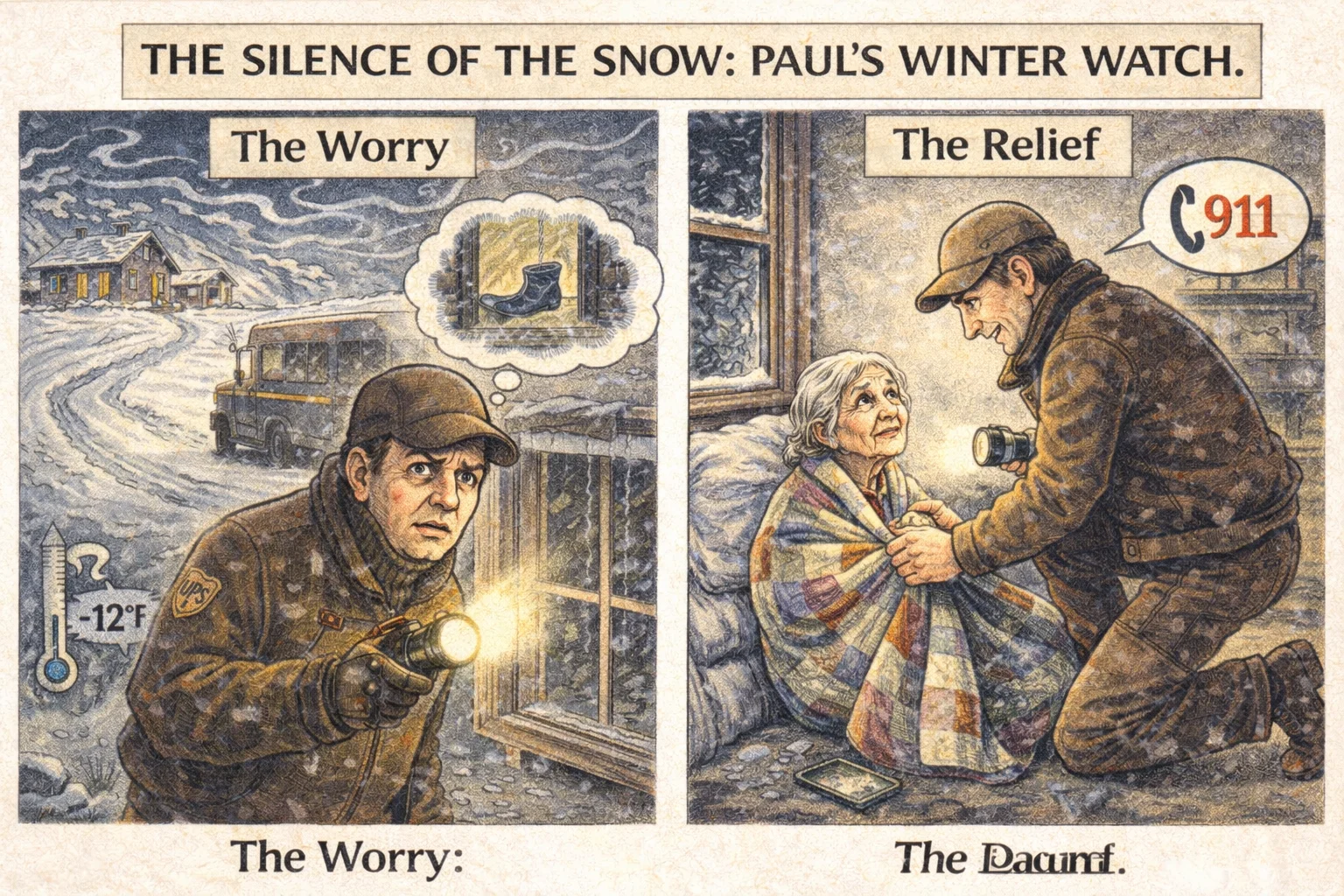
Just days ago, we wrote about Paul Keller in rural Iowa, a driver for UPS (a global logistics giant similar to Blue Dart or DHL). Paul noticed a silence that didn’t fit the routine and saved an elderly woman from freezing in -12°F weather.
GET THE GEAR: HERO ESSENTIALS
Paul relied on simple tools. You can too.
Halfway across the world, a similar scene was unfolding—not in the snow, but in the coastal dark.
Enter Sindhu Kumari
She wasn’t driving a massive delivery truck; she was on a two-wheeler, a rider for Rapido. Seeing a woman crying on the roadside, Sindhu didn’t drive past. She stopped.
In a viral video that has now touched millions, Sindhu is seen not just as a driver, but as a guardian. “I saw she was crying,” Sindhu later recounted. “Google Maps wasn’t working. She was scared.”
Without hesitation, Sindhu offered a ride. She didn’t just drop a pin location; she dropped the tourist safely at the hotel gate. The video captures the relief on the tourist’s face—a tearful hug that needs no translation. When the tourist offered cash, Sindhu refused.
The “Human” GPS
This incident proves a simple truth: Logistics workers are the unplanned neighborhood watch.
Recommended Product
Jockey Women's Hipster Brief – Comfort Fit, Assorted Colors
🛒 View on Amazon →As an Amazon Associate, we earn from qualifying purchases. Price and availability may vary.
Technology companies spend billions perfecting algorithms to navigate our world, but they cannot code for compassion. A GPS satellite can tell you where you are, but only a human like Sindhu Kumari can tell you that you are safe.
SURVIVAL GUIDE: How to Stop Google Maps From Ghosting You
We rely on maps, but in India, the “Blue Line” can sometimes lead you into a ditch. Here is a special Q&A on how to set up your navigation to avoid getting lost like the tourist in Goa.
Q: My battery drains fast when using Maps. What should I do?
A: Navigation apps use GPS, Data, and Screen brightness simultaneously, which kills battery life.
Recommended: Get a 20,000 mAh Power Bank (Fast Charging)
Q: Which “Mode” should I choose? Car, Bike, or Walk?
- Walking: Select this only if you are actually walking.
- Two-Wheeler: Use with caution. In India, this mode often suggests narrow gullies or “shortcuts” that are impossible to navigate at night.
- Car (Recommended): Even if you are on a bike, choose “Car” mode if you want to stay on main roads. To drive safely, use a solid mount so you don’t have to hold your phone.
Driving a Car?
Hands-free is the only safe way.
Riding a Bike?
Don’t balance your phone on the tank.
Q: Why does Maps sometimes show a road that doesn’t exist?
This is the “Villager Trap.” Google’s algorithm sees phone movement through a field (likely a farmer taking a shortcut) and assumes it is a road. Tip: If the road looks like a dirt track on the screen, do not take it.
Q: How do I stay safe if I get stranded?
A: The reality is that technology fails. If you are a solo traveler, especially in unknown areas at night, personal safety gear is as important as your phone.
- Deterrent: Self-Defense Pepper Spray (Easy to carry in a purse).
- Alert: Personal Safety Alarm Keychain (Draws attention instantly).
Q: How do I plan a trip for tomorrow morning?
Don’t check the time now. If you check the travel time at midnight, Google calculates it based on empty roads. Tap the three dots > “Set Depart Time” to 9:30 AM tomorrow for a real traffic estimate.
